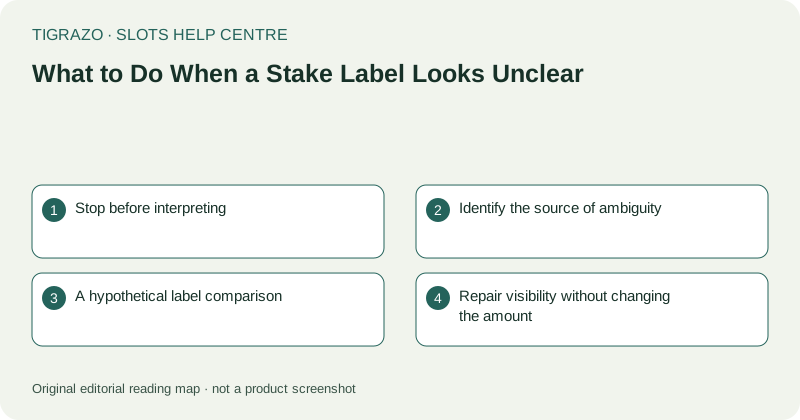
Stop before interpreting
A stake label connects an interface action to an amount. If that connection is uncertain, the control is not ready for deliberate use. Stop input even if the surrounding artwork and other controls look normal.
Do not assume a value remained unchanged after rotating the device, reopening a tab or moving between games. The relevant value is the one currently selected and clearly displayed. An old screenshot cannot establish the present setting.
Identify the source of ambiguity
Separate visual problems from terminology problems. A missing decimal point is a display issue. A clearly visible figure labelled in an unfamiliar unit is a rule-reading issue. Each requires a different kind of clarification.
Check whether the label refers to a total stake, a component stake or another defined setting. Never multiply or divide an amount merely because a similar interface worked that way. Read the current game's explanation.
A hypothetical label comparison
Suppose a hypothetical screen shows 0.50 units as the total stake, while an information panel separately explains five components of 0.10 units each. Five multiplied by 0.10 equals 0.50. That arithmetic is valid only because the hypothetical rule explicitly defines the relationship.
Without that definition, the same pair of numbers could mean something else. A useful verification checklist is short:
- Read every digit, including decimal places.
- Identify the unit or currency.
- Find whether the value is total or component-based.
- Check the selected value after closing any settings panel.
Repair visibility without changing the amount
If text is too small or clipped, adjust the view only while idle. Use supported browser zoom or orientation carefully and inspect whether the entire label becomes visible. Do not use plus and minus controls as a way to make the display reveal its meaning.
If a menu is necessary to inspect the setting, distinguish opening it from making an adjustment. One accidental tap can change the value. Verify the main display after leaving the panel.
Escalate unresolved uncertainty
Report the exact label, what is unclear and the device and browser used. A redacted screenshot can help show clipping. Avoid sharing full account or payment details in a public report.
If an unintended action may already have occurred, stop and inspect its recorded stake and round information. Do not initiate another action to test your interpretation or recover an amount. The issue is resolved only when the active value and any affected record are clear, not when the label merely looks familiar again.