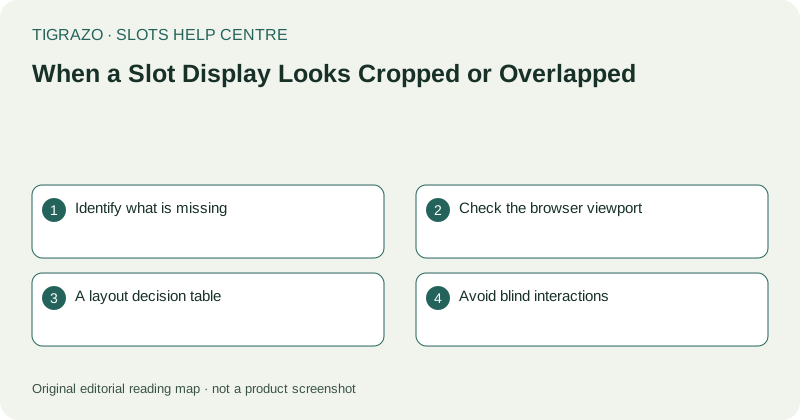
Identify what is missing
Describe the affected area: a cut-off reel edge, text extending outside a panel, a control covered by another element or a message with an invisible end. Specific observations are more useful than saying the screen looks wrong.
If the current stake or round status is hidden, do not act based on memory. A partially visible digit can be misleading, and a covered notice may contain a condition that changes what the interface is asking you to do.
Check the browser viewport
Zoom, browser toolbars and an on-screen keyboard can reduce available space. While the game is idle, close an unnecessary keyboard through normal device controls and inspect the zoom level. Avoid using game buttons to dismiss browser elements.
Orientation can also affect the layout. Rotate only with fingers clear of the screen, then wait for the page to settle. A wider view may reveal one area while hiding another, so inspect all essential labels after the change.
A layout decision table
Use the symptom to select a modest next check rather than changing every display setting at once.
| Symptom | Check |
|---|---|
| Text enlarged and cut off | Browser zoom and text-size settings |
| Bottom controls covered | Keyboard, toolbars and page position |
| Panel extends sideways | Supported orientation and inner scrolling |
| Elements still overlap at normal view | Record the layout issue for support |
These checks address visibility. They do not establish whether a hidden round completed.
Avoid blind interactions
Do not tap the exposed sliver of a button if its label is hidden. The visible portion may belong to a different control than expected. Repeatedly trying to close a clipped panel can also send input to the underlying screen if the panel disappears unexpectedly.
Do not install display-fixing scripts or disable browser security controls. If ordinary view adjustments fail, preserve the symptom instead of adding unfamiliar software to the problem.
Record and verify separately
Report the device, browser, orientation and whether zoom was active. A carefully reviewed screenshot can show the overlap more clearly than a long description, but remove private account information and unrelated notifications before sharing.
If the layout failed during a round, ask for its recorded status using the relevant time or identifier. A clipped animation cannot prove a missing result. Resume no action while the interface remains ambiguous, and do not treat a successful visual repair as automatic verification of an earlier outcome.
A layout problem can also make a harmless-looking area overlap an active button. Keep fingers clear while documenting the screen rather than pointing through direct touches.