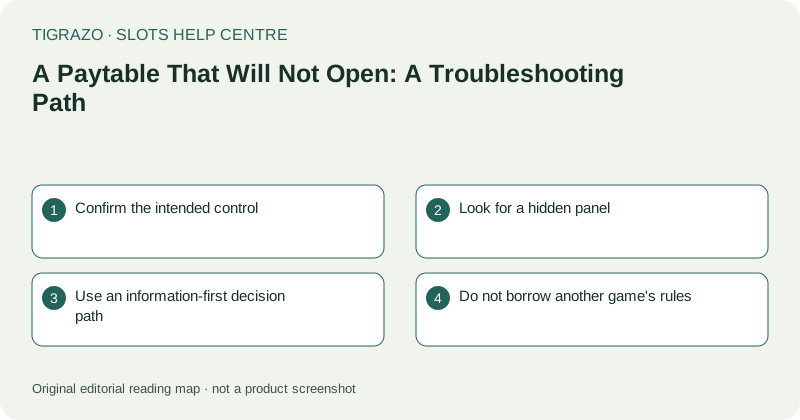
Confirm the intended control
Look for a labelled information or paytable button. Similar icons may open settings, audio options or a general menu. Do not repeatedly tap an uncertain symbol next to a stake or action control just because it resembles a familiar help icon.
If the correct control appears disabled, read any visible status message. Information access may be affected by an active transition or loading state. If a round is unresolved, preserve its details and verify the record before trying to fix the panel.
Look for a hidden panel
The paytable may have opened beyond the visible portion of a zoomed page or behind a layout problem. Inspect the screen for an overlay edge, a changed background or an inner scroll area. Avoid blind taps that could close something important or reach the underlying game.
While idle, restore a readable browser view or try a supported orientation. Make one change at a time. If the result becomes more confusing, return to the previous view rather than continuing to adjust unrelated settings.
Use an information-first decision path
The objective is access to the rules, not proof that the action button works. A paid round cannot establish whether an unread paytable has been interpreted correctly.
- If a loading notice is visible, wait for a clear state.
- If the layout is clipped, correct the view while idle.
- If the control is unclear, seek a labelled explanation.
- If no round is unresolved, follow normal reopening guidance if supplied.
- If access still fails, stop and report it.
Do not keep opening duplicate tabs in search of a responsive copy.
Do not borrow another game's rules
A visually similar title, a theme collection or an earlier version may use different definitions. Even familiar symbols can have different roles. Missing information cannot be repaired by assuming that a wild, scatter or payment unit behaves as it did elsewhere.
Demo conditions may also differ from other modes. Accessing an explanation in another context can provide clues, but it does not establish that every condition matches the current screen. The active game's own rules remain the relevant reference.
Report the access failure precisely
State which control you selected, whether any visual change occurred and whether the rest of the page remained responsive. Include device, browser, orientation and approximate time. A screenshot can help if it excludes private information.
Ask for a readable explanation or a remedy for the unavailable panel. Do not continue until the combination structure, payment units and relevant conditions can be understood. Leaving an unreadable game is a complete and sensible outcome of troubleshooting.