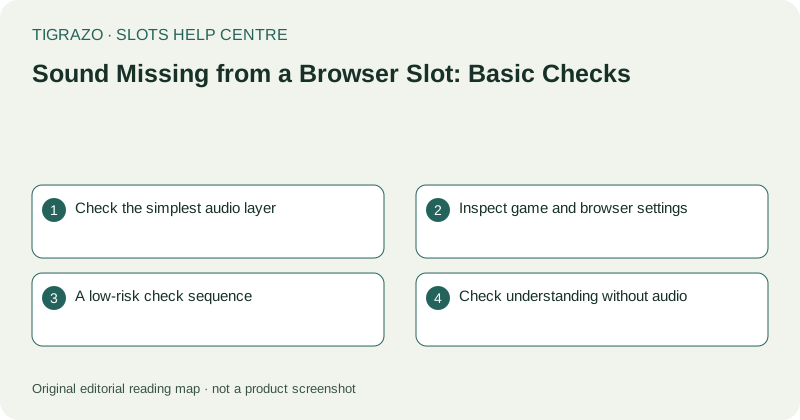
Check the simplest audio layer
Look at the device's media volume and intended output. Headphones, wireless speakers or another connected accessory may be receiving sound. A phone's ringer setting may not control browser media, so identify the relevant setting rather than toggling unrelated options.
Keep volume modest before changing outputs. Sound that was routed elsewhere can suddenly play through the device speaker. There is no need to maximise volume to discover whether audio is present.
Inspect game and browser settings
A game may offer a mute button or separate music and effects settings. Read those labels carefully. A muted soundtrack can coexist with active interface sounds, and the reverse may also occur.
The browser may have muted the site or restricted automatic playback. Use its normal site controls to inspect that possibility. Do not disable broad security protections or install an extension advertised as an audio repair tool.
A low-risk check sequence
Perform one check at a time so that any change can be understood. Avoid initiating a paid round merely to produce a familiar result sound.
- Verify device media volume.
- Confirm the current speaker or headphone output.
- Read the game's sound settings.
- Inspect any browser mute or playback notice.
- Check whether an existing information or settings sound is available without a game action.
If no harmless sound check exists, report that limitation. Do not create a financial transaction to complete a technical checklist.
Check understanding without audio
Read the rule panel and visible status labels. If a sound normally accompanies a transition, confirm whether its meaning is also expressed on screen. The absence of an effect does not identify the amount or status of a round.
If the display is frozen as well as silent, treat that as a broader symptom. Stop input and preserve relevant round details rather than continuing through the audio sequence as though sound were the only problem.
When to report missing sound
If audio remains absent after basic settings checks, report the device, browser, output method and which sounds are missing. Distinguish all audio from music only, effects only or intermittent sound. State whether other browser media works, without claiming that this proves the game's cause.
Use recorded history for any disputed outcome. A missing celebratory sound cannot establish a missing payment, just as a loud sound cannot establish a net gain. Audio recovery and round verification are separate tasks, and either can remain unresolved without requiring further play.