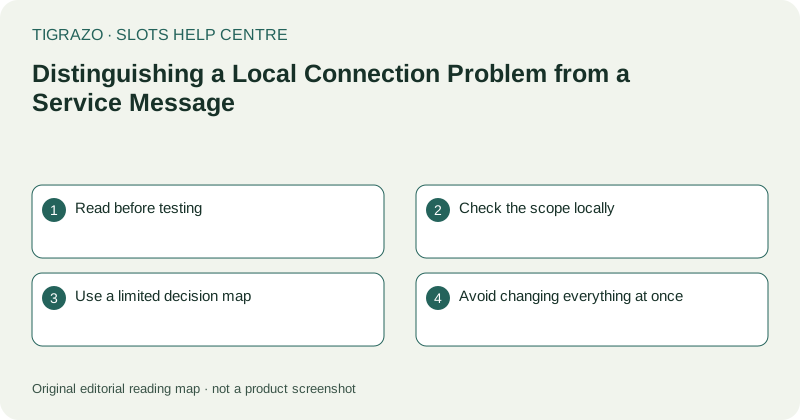
Read before testing
A message about maintenance, session expiry or an unavailable game gives different information from a browser's own connection error. Note where the text appears and copy its wording. Do not paraphrase every notice as no internet.
Some messages are generic and may not reveal the underlying cause. Treat them as statements about the current interface rather than a complete technical diagnosis. A single error cannot establish the health of the entire service.
Check the scope locally
Look at the device's network indicator and, if appropriate, open a harmless unrelated page. If nothing loads, a local connection problem is plausible. If another page loads, general access exists, but the game session may still have a separate issue.
Other devices using the same network can provide context, but do not move an unresolved game between devices as a test. That may create concurrent sessions and further ambiguity about which view is current.
Use a limited decision map
Keep the observations separate so support can understand what you actually checked.
| Observation | What it supports |
|---|---|
| Many unrelated pages fail | A broader connectivity symptom |
| Only the game shows a notice | A game-specific or session-specific symptom |
| Explicit maintenance wording | A stated service condition, subject to its wording |
| Animation continues without updates | No reliable conclusion about connection health |
None of these observations independently determines a round's outcome.
Avoid changing everything at once
Rapidly switching networks, restarting the browser and clearing storage can erase the original sequence. Restore stable connectivity if necessary, but record the message and time first. Use ordinary recovery guidance rather than repeated reloads.
Do not disable security controls or enter credentials into unfamiliar recovery pages. A local network test should not require payment details, identity documents or a new deposit.
Escalate the right question
If a round is unresolved, ask for its recorded status and provide the relevant time and identifier privately. If the issue is only access, describe which page failed and whether general browsing worked. These are different support questions and should not be merged into a speculative diagnosis.
Once connectivity returns, inspect the active session before touching controls. A recovered picture does not prove that the earlier animation completed as shown. Verification belongs to recorded history or support, while network checks simply establish whether access has become usable again.
When describing network changes, include their order rather than a list alone. Knowing that a message appeared before a switch is more useful than merely knowing two connections were available.